
Rotate in one click
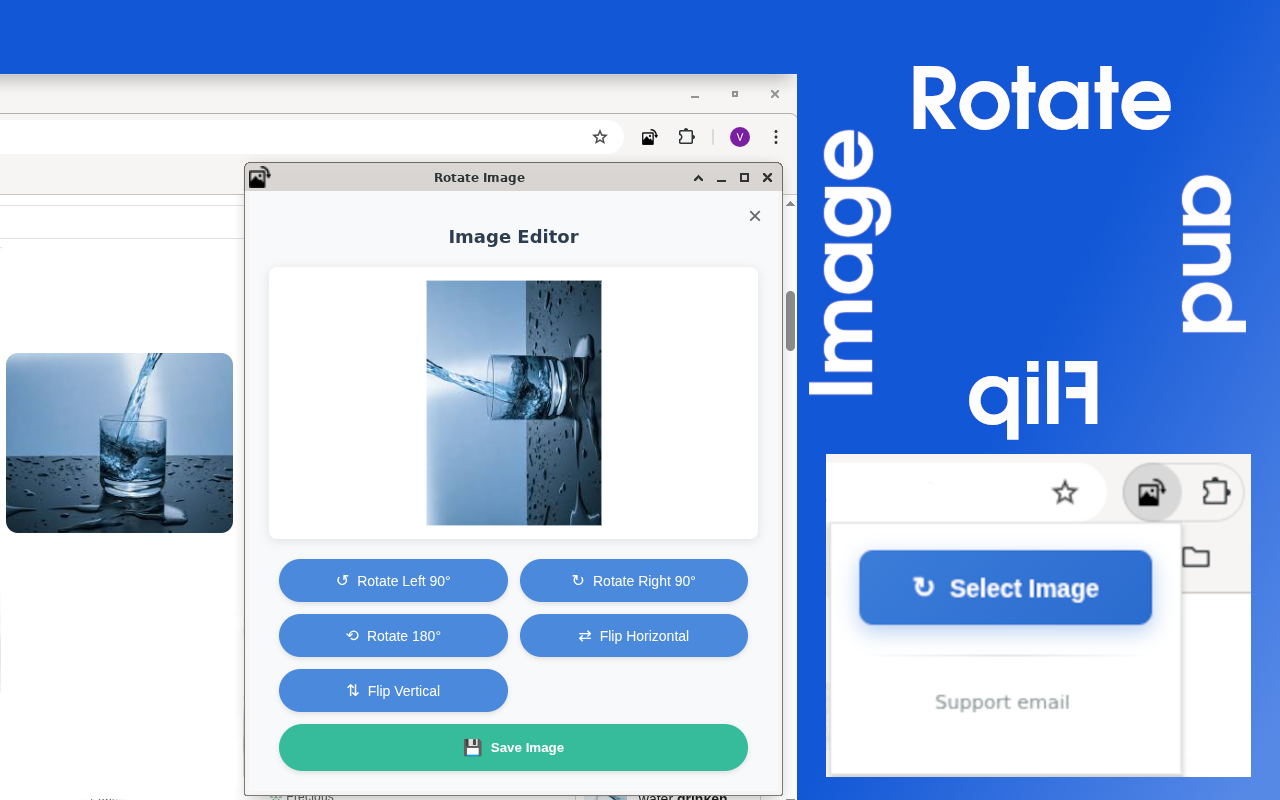
Turn an image left, right or upside down with 90° and 180° rotation controls.
Free online tool
Rotate an image or create a mirror image. A simple tool to flip pictures in your browser.
Your images stay on your device — processing happens entirely in your browser.
Drag & drop an image here, or click to select a file.
JPG, PNG, WebP, GIF and other browser-supported formatsImage editor
Turn an image left, right or upside down with 90° and 180° rotation controls.
Flip an image horizontally or vertically and immediately preview the result.
Your image is edited with browser canvas technology and is never uploaded to our server.
Need it while browsing?
Select an image on an open web page or choose a local file, then rotate and save it in seconds.